Is your computer taking forever to start? Programs freezing? Browser hanging?
A slow PC is one of the most common problems we see at Interlogix Computer Systems in Nairobi. The good news? Most slow computers can be fixed easily and affordably.
Let’s look at the main causes and how to fix them.
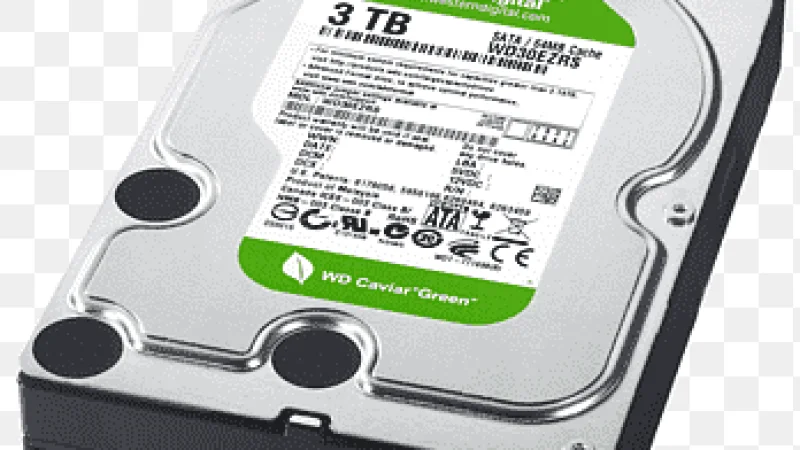
If your PC still uses a traditional Hard Disk Drive (HDD), it will feel very slow.
Signs:
Windows takes 2–5 minutes to boot
Programs open slowly
PC freezes randomly
Solution:
Upgrade to an SSD (Solid State Drive).
An SSD can make your PC up to 10x faster instantly. Even an old Core i5 machine becomes very fast after installing an SSD.
Recommended:
256GB SSD (Basic users)
512GB SSD (Office & business use)
NVMe SSD (High performance)
Modern Windows 10 and 11 require more memory.
If your PC has:
4GB RAM → Too low
8GB RAM → Minimum
16GB RAM → Recommended
Signs:
Browser slow with many tabs
PC freezes when opening multiple programs
High memory usage in Task Manager
Solution:
Upgrade to at least 16GB RAM.
Many applications automatically start when Windows boots.