If you're running Autodesk Revit, the amount of RAM you need depends on your project size and complexity.
Here’s a clear guide 👇
✅ 16GB RAM
Small residential projects
2D drawings + light 3D modeling
Single user, no heavy rendering
👉 Works, but may lag with complex families or large files.
✅ 32GB RAM (Best Balance)
Commercial buildings
Large models with linked files
Multiple sheets & views open
Moderate rendering
👉 This is the sweet spot for architects and engineers in Kenya.
✅ 64GB RAM or more
Hospitals, malls, high-rise buildings
BIM collaboration (multi-user)
Complex MEP models
Heavy rendering + multitasking
👉 Ideal for large firms or very detailed models.
For smooth Revit performance, you also need:
Processor: Intel Core i7 / i9 (12th–14th Gen recommended)
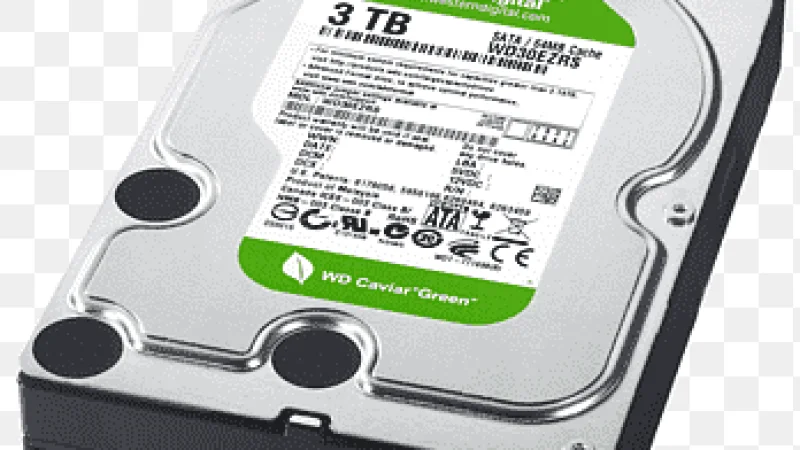
Storage: NVMe SSD (very important for model load times)
Graphics: RTX 3060 / 4060 or higher for rendering
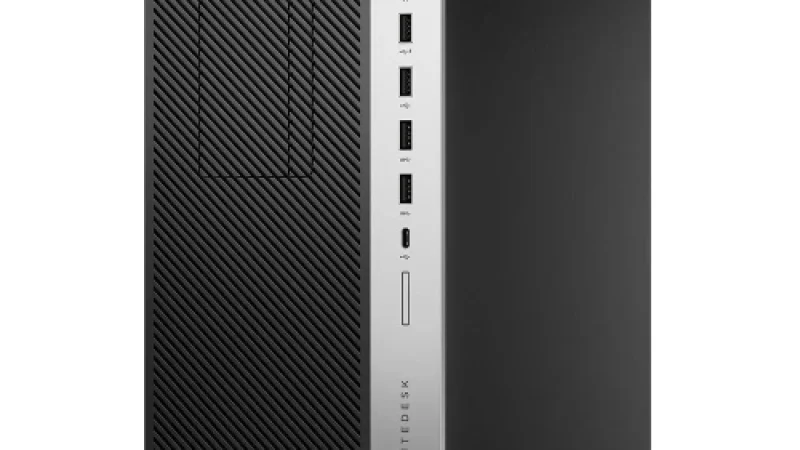
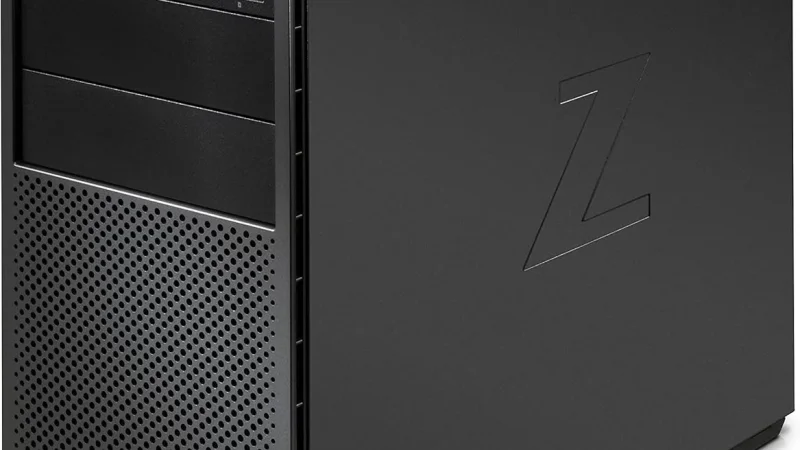
If you're buying a workstation today:
| Use Case | Recommended RAM |
|---|---|
| Student | 16GB |
| Architect / Designer | 32GB |
| Large BIM Projects | 64GB |