✔ CPU (Processor): Fast multi-core performance (Intel Xeon or AMD Ryzen Threadripper , Ryzen 9 core i7 or core i9
✔ RAM: At least 16GB,32 ideally 64 GB or more for heavy 3D modeling & rendering.
✔ Graphics (GPU): Professional GPU like NVIDIA Quadro, RTX A or high-end RTX cards.
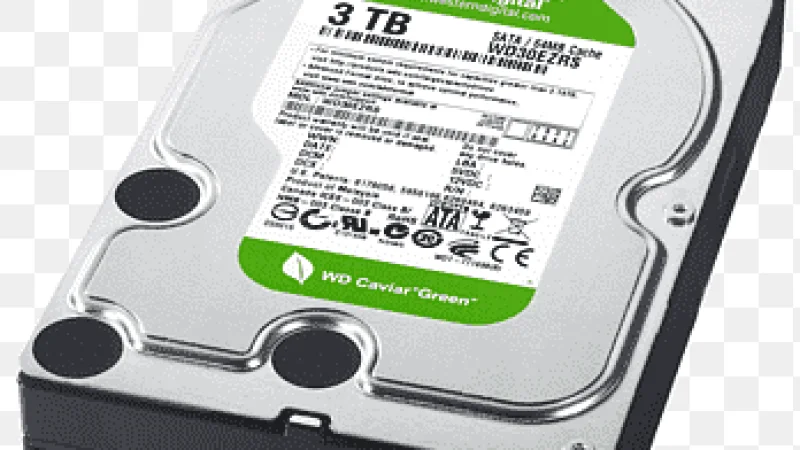
✔ Storage: SSD (500 GB+) for speed + optional large HDD for project files.
✔ Cooling: Good airflow/liquid cooling for sustained workloads.
Here are some great workstation options and configurations you can search for or build locally in Nairobi. Prices may vary based on parts availability, import status, and upgrades:
Intel Core Ultra 9 285K (24 Cores / 24 Threads)
NVIDIA RTX A4000 16 GB (or better RTX A5000 / RTX PRO series)
32 GB+ DDR5 RAM
1 TB NVMe SSD (fast project files & OS)
Liquid cooling & Thunderbolt 5
⭐ Excellent for heavy 3D modeling, rendering, VR walkthroughs, and large BIM files.
Intel Core Ultra 9 285K
2× NVIDIA RTX 5000 ADA (32 GB VRAM)
128 GB DDR5 RAM
2 TB SSD + 10 TB HDD
💪 This setup handles large architectural visualization projects and AI-assisted tasks easily.
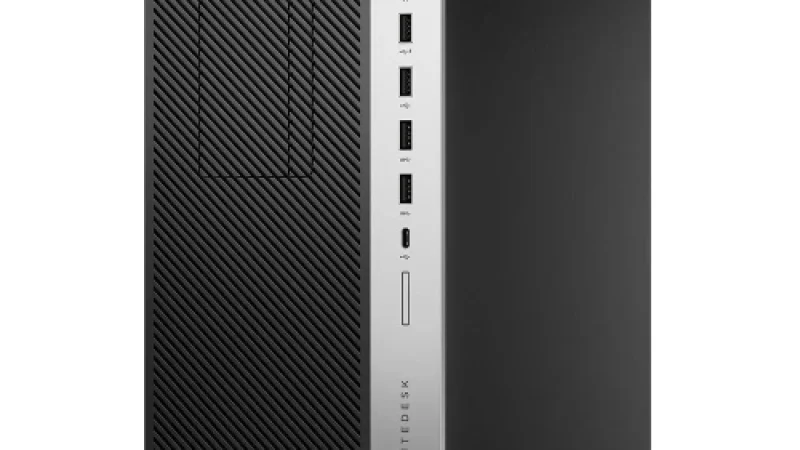
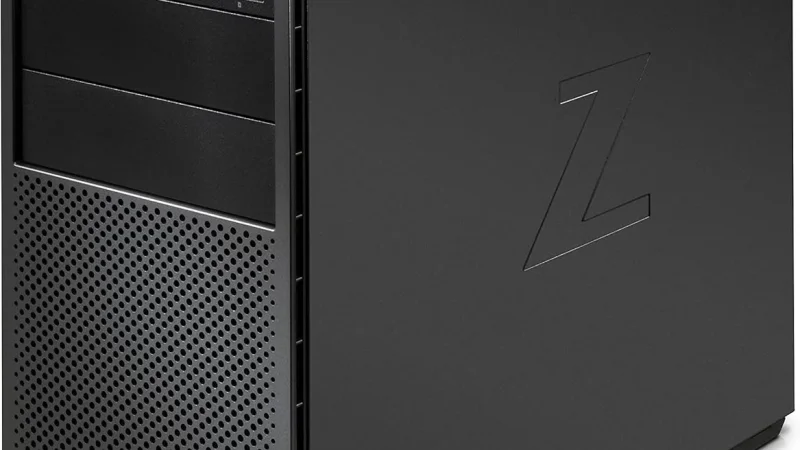
Lenovo ThinkStation P720,hp Z640,Z2 G5,Z2,9,Z4G5 – Dual Intel Xeon (good multi-core performance)
32 GB ECC RAM
512 GB SSD + 2 TB HDD
NVIDIA Quadro M4000 or better
👍 Great balance of performance and price for Revit, AutoCAD, and 3D tasks.
HP Z800 Xeon Workstation – Intel Xeon CPU
16 GB+ RAM (expandable)
1 TB HDD (+ add SSD if possible)
NVIDIA Quadro GPU
💡 Good choice for students or architects starting with CAD workflows on a tighter budget.
HP Z440 Workstation – Up to 256 GB RAM support
Xeon CPUs + optional Quadro GPU
Strong reliability for architectural design & simulation.
| Use Case | Best Option |
|---|---|
| 2D CAD + moderate 3D | Mid-range workstation |
| 3D Modeling & BIM workflows | High-core CPU + 64 GB RAM |
| Rendering & VR | Professional GPU (Quadro/RTX A) |
| Large team / enterprise projects | Ultra Workstation / Dual GPUs |
➡️ If you mainly use Revit, Lumion, or large models, prioritize RAM and GPU strength.
➡️ For heavy rendering, GPU power and core count matter more.
I
✔ Minimum 32 GB RAM (64 GB preferred)
✔ Professional or high-end GPU
✔ Fast NVMe SSD storage
✔ Good cooling system (liquid or high-airflow)
✔ Clean wired keyboard & ergonomic workstation desk
Here are your best workstation options for architects:
High-Performance Workstation – Ultimate performance
Ultra Dual-GPU Workstation – Best for rendering & AI
Lenovo ThinkStation P720 – Value professional choice
HP Z800 / Z440 – Budget workstation route