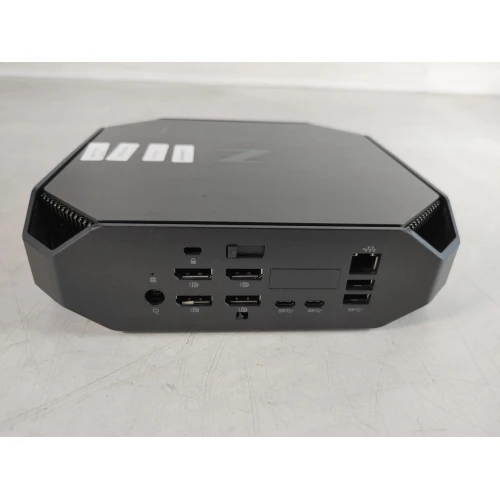
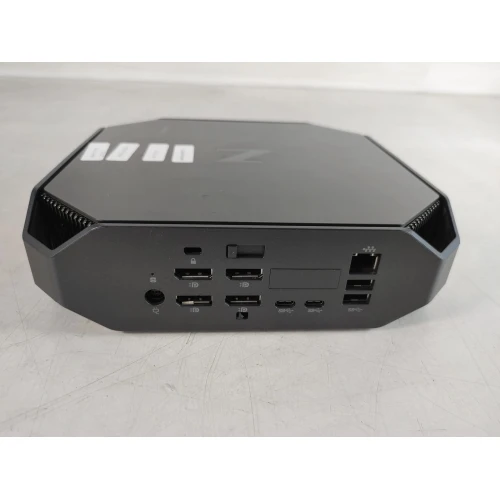
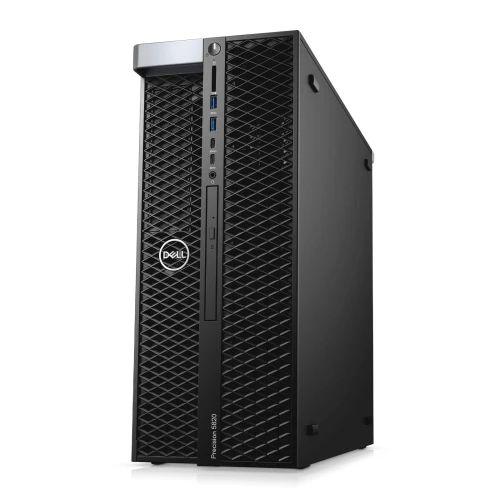
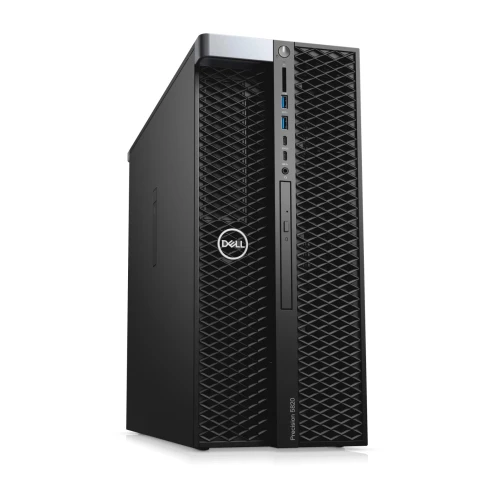
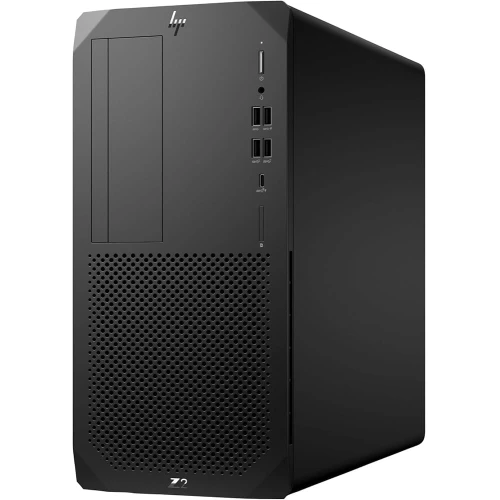
The HP Z2 G4 is a professional-grade tower workstation built for heavy workloads, not a typical consumer PC. It’s designed to deliver high performance, reliability, and expandability, making it ideal for professionals (engineers, creatives, designers, data scientists, etc.) who run resource-intensive applications.
⚙️ Key Specifications (for this configuration)
-
CPU: Intel Core i7-8700 — 6cores / 12 threads, with high performance for demanding compute tasks.
-
RAM: 14 GB DDR4 — enough memory for smooth multitasking, handling large projects, simulations, or heavy applications.
-
Storage: 512 GB SSD — fast boot times and quick loading of OS & applications, ensuring responsiveness.
-
Extra hardware (often included or configurable): Capable of supporting powerful GPUs (e.g. professional-grade GPUs), multiple additional drives or expansions — thanks to a robust chassis, strong power supply, and expansion slots. HP+2B&H Photo Video+2
💡 What It’s Good For
Because of this hardware configuration, the HP Z2 G4 excels at tasks such as:
-
3D modelling, CAD / engineering design, architectural design and complex simulations. HP+1
-
Video editing, animation, rendering, VFX, content creation — where CPU power, RAM, and fast storage matter. B&H Photo Video
-
Data processing, scientific computing, large-dataset analyses, and heavy software development or virtualization workloads.
-
Any professional context needing reliability, longevity, and expandability — studios, engineering offices, design firms, etc.
✅ Strengths & What Stands Out
-
Balanced and powerful — CPU, RAM, and storage balance makes it versatile for many heavy-duty tasks.
-
Expandable and upgrade-friendly — you can add more storage, more RAM, or stronger GPUs if needed.
-
Designed for professional workloads — build quality, power supply, and internal architecture aimed at reliability and “always-on” heavy use.
-
As configured (512 GB SSD) — storage is fast but might fill quickly if working with very large files (e.g. 4K video, large 3D projects). You may eventually need additional HDD/SSD storage.
-
For GPU-heavy tasks (GPU rendering, deep 3D rendering, VR, etc.), you might want to pair it with a powerful dedicated GPU — the base config without a strong GPU is less ideal for those workloads.
-
It’s more expensive and over-kill for simple everyday tasks like web browsing, document editing, or basic office work — its strengths are in heavy-duty tasks.